 Gateway to Charts, Study and News

The Analysis Toolbar is common to all analysis pages on mobile devices
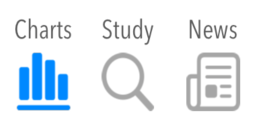
On Charts, Study and News the Analysis Toolbar allows to quickly switch between the pages for the same symbol, to export each page to change symbol and add it to the current Live page
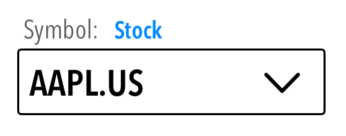

Symbol Menu. You can directly enter the symbol or by pressing the v symbol load one from the last 10 symbols entered
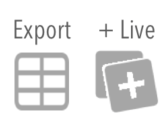
Action buttons. Use the export button to generate a .csv file for the page you are currently viewing. If the current symbol in the Symbol Menu is not contained in the current Live List, you have to option to add it by clicking the +Live button. If the symbol is already on the list the +Live button will not appear