 Live Monitor for all markets
Lay out the monitor in many ways from tiles that change color on movements, or fully scrollable tables or live charts
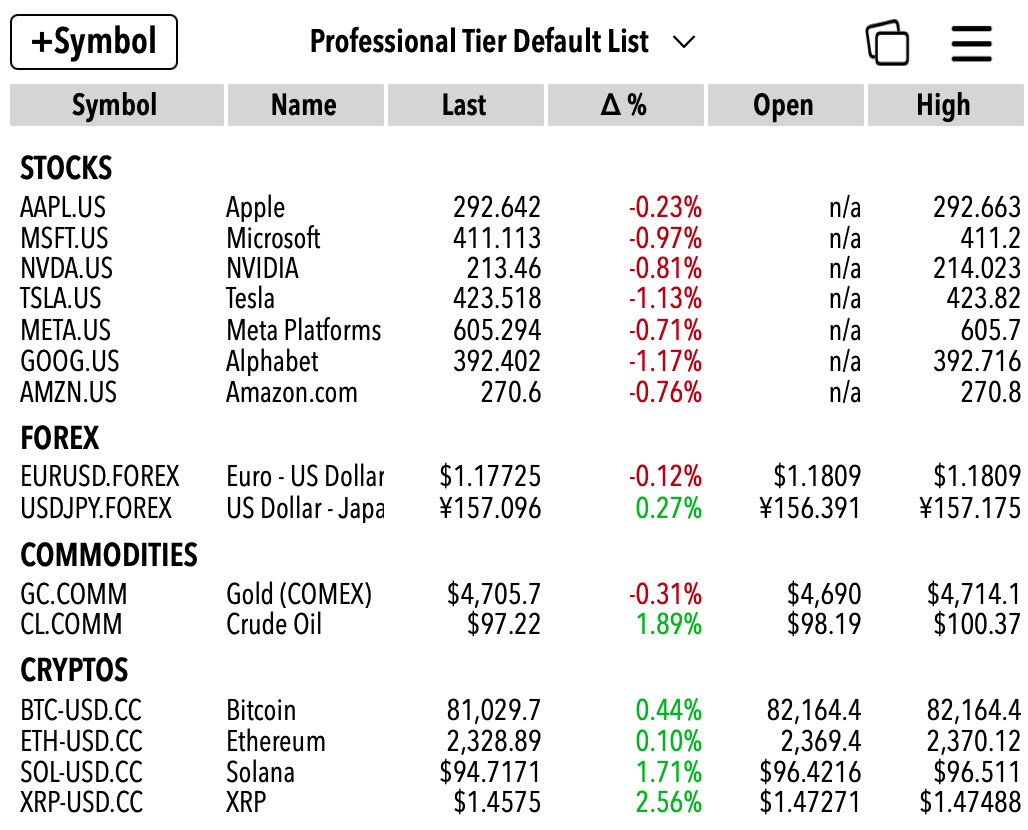
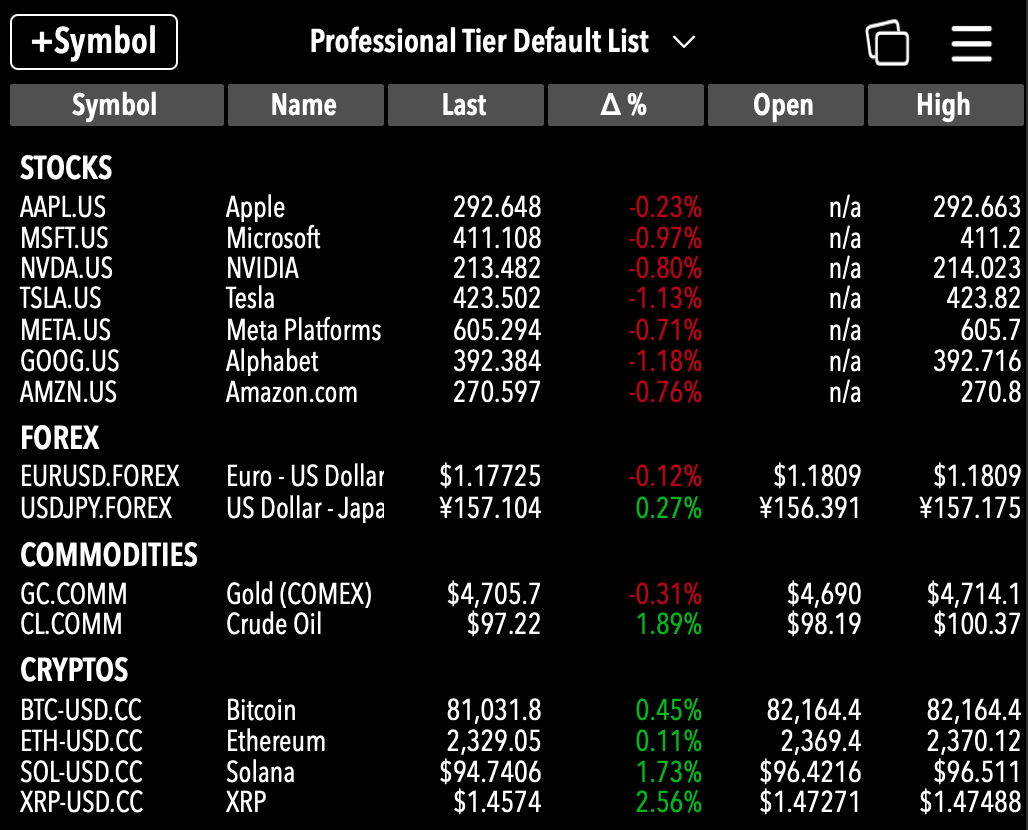
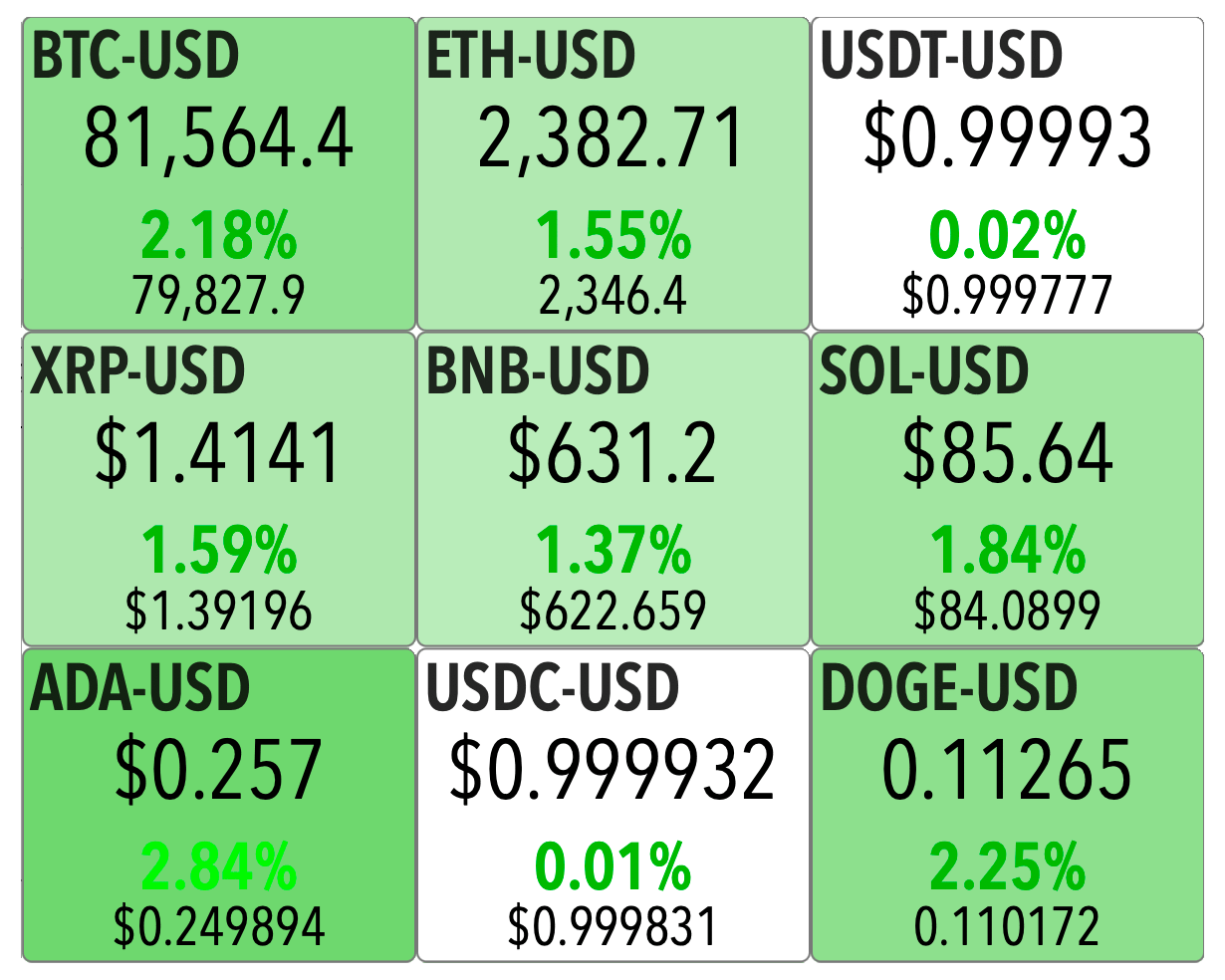
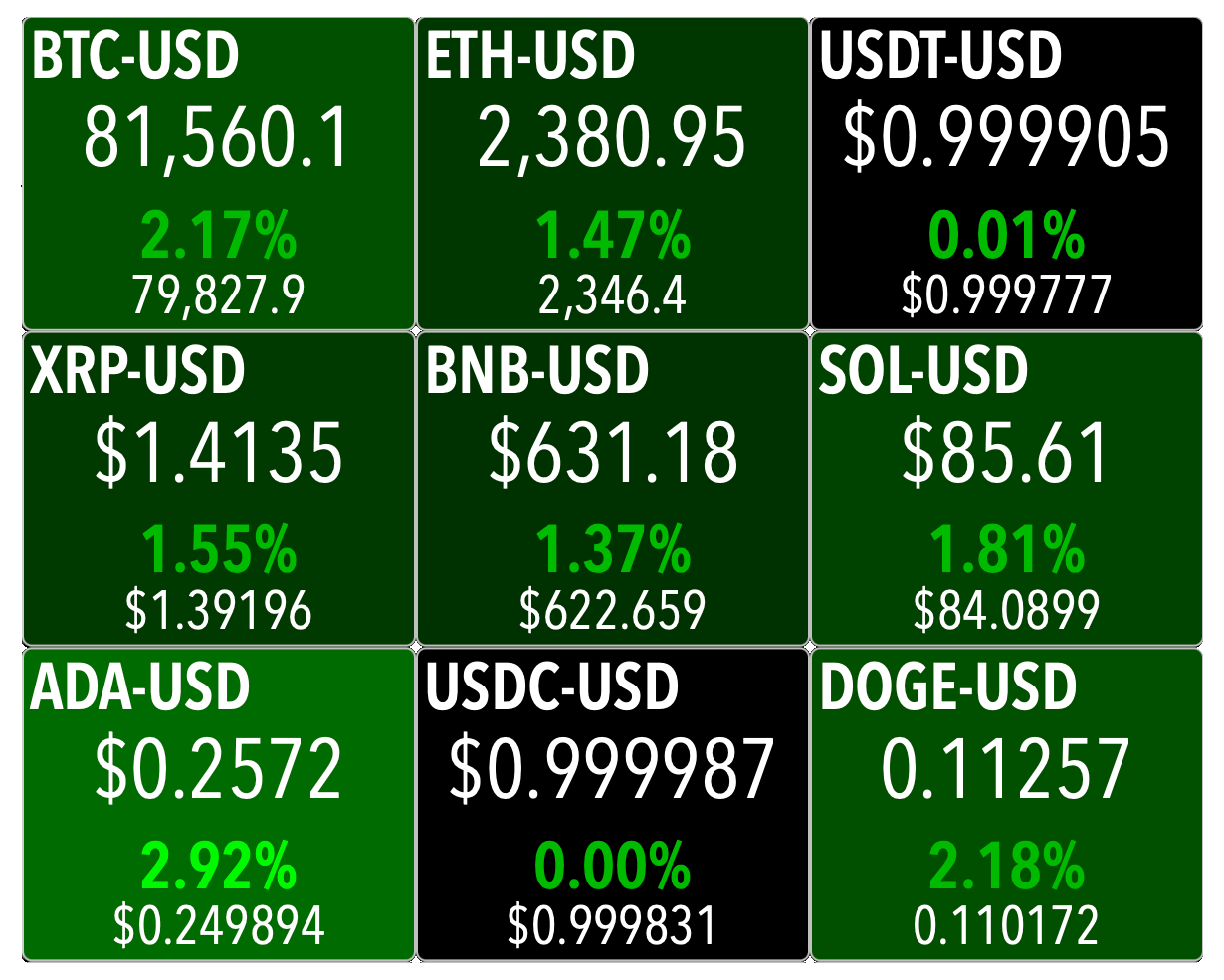
Display live data in three different ways: Table mode, Tiles mode and Live Charts
Customise many display attributes to help you focus on what you want
One security per line
Customize columns
One security per tile
Choose from many layouts
One security per chart
Choose time intervals
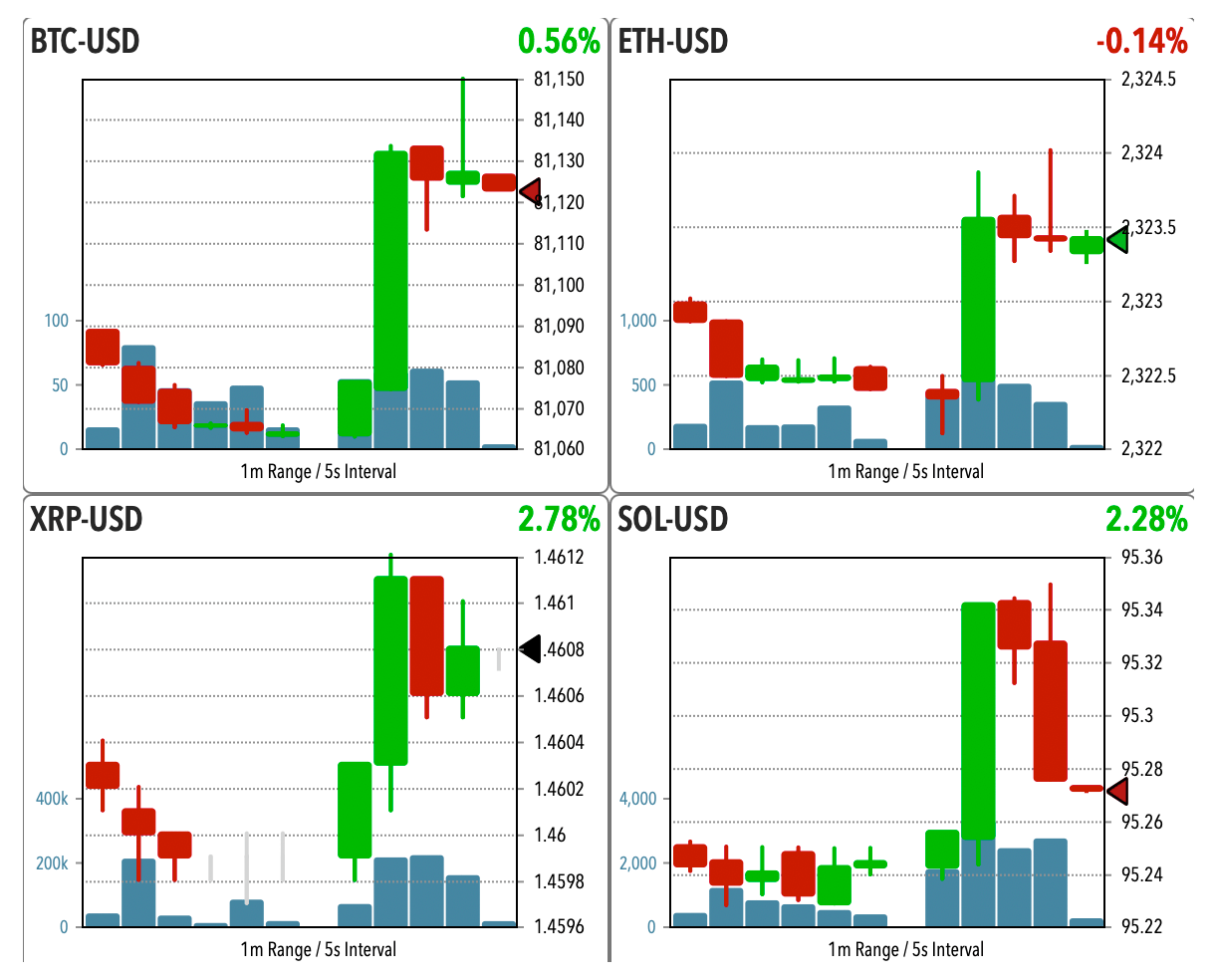
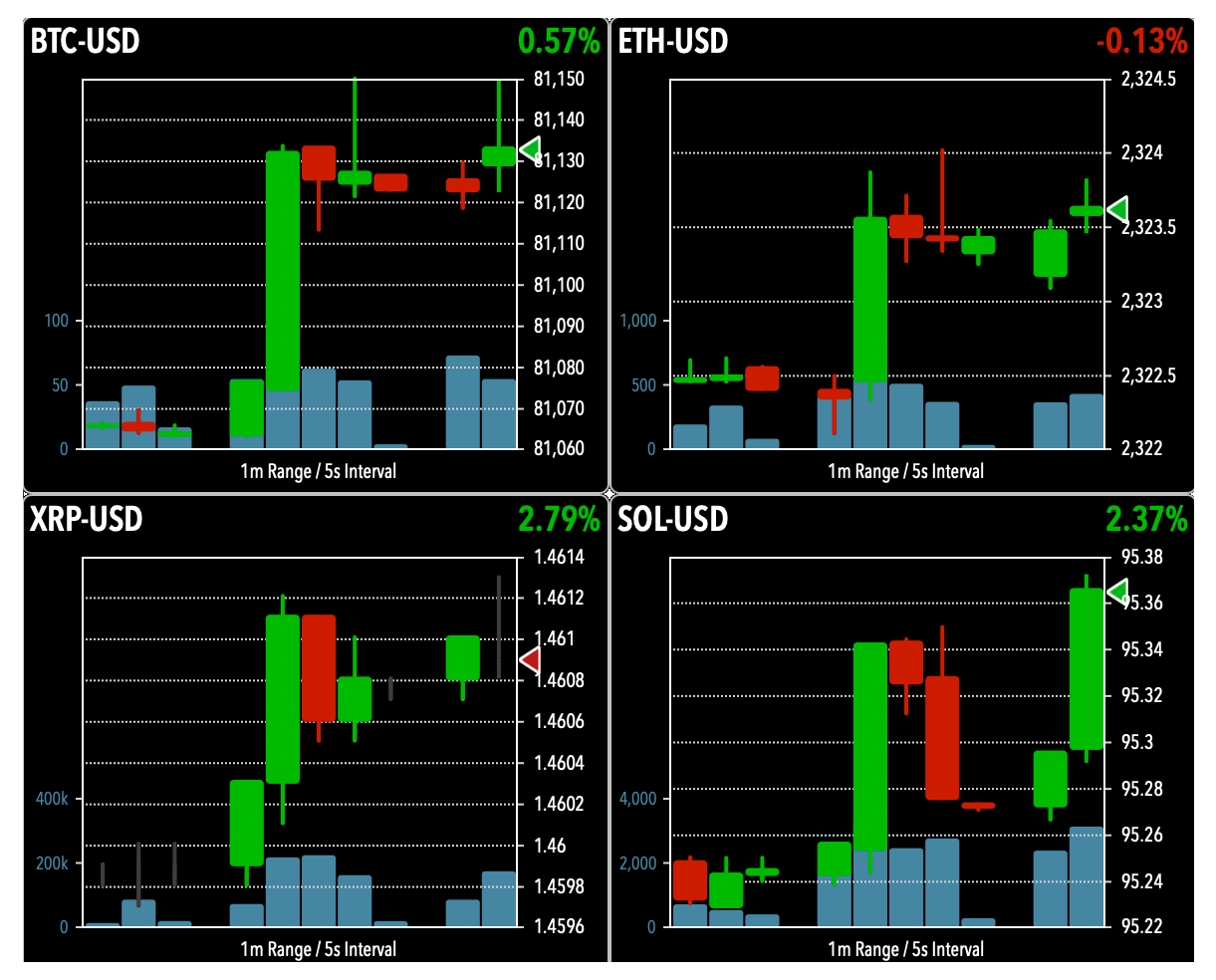


Create your list (or lists) of securities and have at a glance all the real time pricing information you choose
Add symbols to your lists with one click or import them from the Search screen
Edit and remove symbols
Create, load or edit your lists and store them in the cloud
Access an array of curated lists from the Analystick server


Automatically detects which securities have web-socket support and automatically manages all connections and updates
Static API calls to refresh quotes for securities that do not have web-socket support
Turn sockets on or off , chose refresh frequency for static API calls
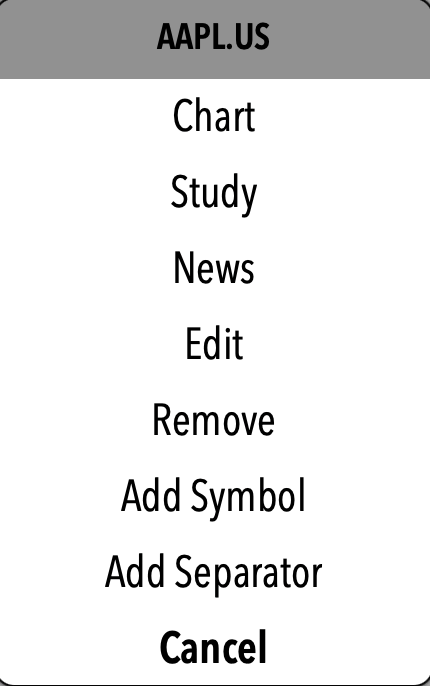
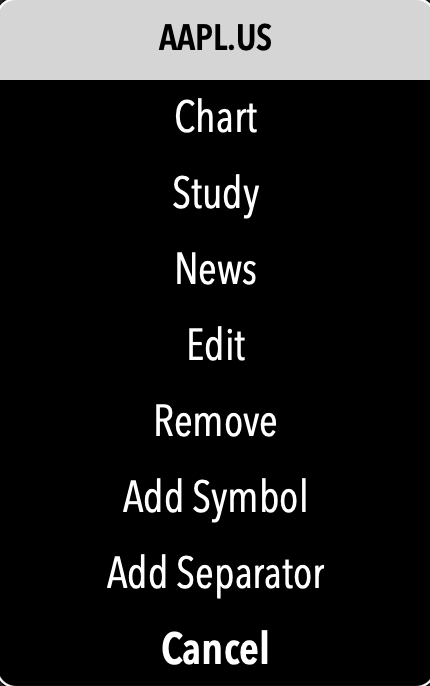
Just one click on a symbol takes you to a menu for all functions
Switch to Chart, Study or News with one tap
Edit or delete the symbol from the list
Keep your lists organised by adding separators
Add symbols in place




Add Symbol
Add one or many symbols to the list currently displayed. In the dialog box apparing you can add more than one symbol at the same time (comma or space separated). Enter the full symbol as on the Data Provider's API, including market suffix


List Menu
Select one of the personal lists to load


Visualisation Menu
Select the visualisation of data: Table mode, Tiles or Live Charts


Main Menu
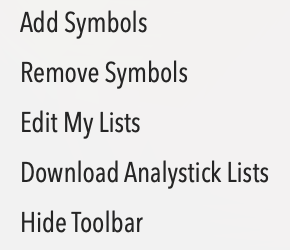
The Main Menu contains the following options:
Add Symbols: Acts like the Add Symbol Button
Remove Symbols: Manage the removal of one or more symbols from the List
Edit My Lists: Edit list names, descriptions, create new lists or delete existing ones
Download Analystick Lists: download curated lists from the Analystick server and savers them in My Lists
Show/Hide Toolbar: Toggle the bottom toolbar




Timer On/Off
Turns on or off the autorefresh timer. The autorefresh timer refreshes live quotes automatically at fixed intervals set by the button timer below


Timer
Shows time to next refresh. Push it to refresh immediately


Font Size for Table
In Table viewing mode these buttons increase or decresase the font of the displayed data. Note they only appear when the Live section is in Table mode


Add/Remove Columns
In Live Chart viewing mode and in Tile viewing mode these buttons increase or decresase the number of live charts or tiles per row. Note they only appear when the Live section is in Chart mode or Tile mode


Row Height
In Live Chart viewing mode these buttons increase or decrease the height of the charts. Note they only appear when the Live section is in Chart mode


Show/Hide Symbol Leds
This button shows or hides the led next to each symbol that shows the status of its socket connection


Socket Alert
When this symbol appears it means you may have exceeded the allowed sockets connections for your subscription plan with your data provider


Sockets Status Leds
Shows the status for each web-socket. On (green), waiting (yellow) and off (gray). The sockets are C (Cryptos), F (Forex), Q (Stock Quotes) and T (Stock Trades)


Sockets Switch
Turns on or off the web-sockets. If you notice that some sockets are not working properly switch them off and then back on to force a new connection
Main Menu
Add Symbols: Add symbols (more than one, comma or space separated) to the Live Monitor. Use full symbol as on the provider's API, including its suffix (i.e.: AAPL.US)
Remove Symbols: Presents a list with all symbols on the Live Monitor and allows you to select which ones to remove of if to remove all symbols
Edit My Lists: presents all your personal lists. You can edit their name or descriptions or delete any of them
Download Analystick Lists: presents a selection of lists pre-populated by Analystick which you can load. As soon as you load it, it will be saved in your lists and you can modify it as you please
Show/Hide Toolbar: toggles the toolbar at the bottom of the page on or off